01
◈
Lock any app
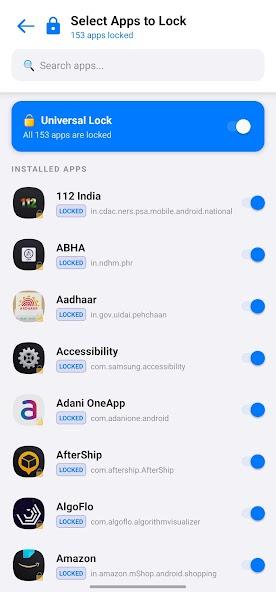
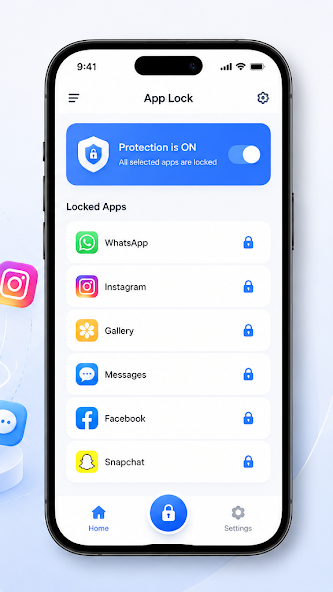
Choose from your installed applications and secure Gallery, Messages, social apps, banking, or settings instantly.
 Sam App LockGet the app ↗
Secure your apps with PIN or biometric lock to protect your privacy. Lightweight protection for Gallery, Messages, social apps, banking, and more.
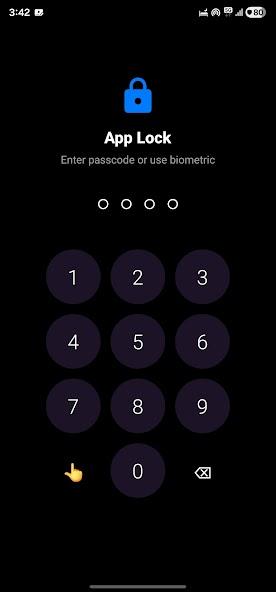
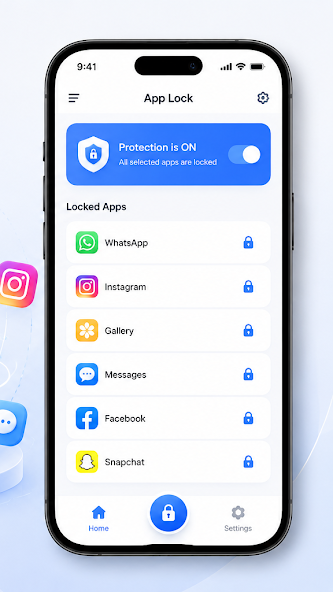
Sam App Lock is a lightweight security tool that gives you control over who can open the apps you choose.
Choose from your installed applications and secure Gallery, Messages, social apps, banking, or settings instantly.
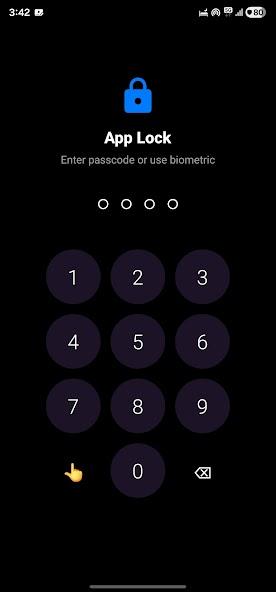
Unlock protected apps with a secure PIN or supported fingerprint and face unlock on your device.
When a locked app opens, Sam App Lock prompts for authentication right away so access stays in your hands.
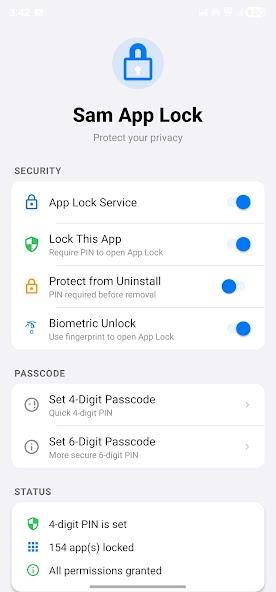
Protection can start automatically when your device reboots, so you are not left unprotected after a restart.
The background service is built to stay ready with a small impact on battery life.
Choose the apps you want to protect, pick how you unlock them, and let Sam App Lock prompt when it matters.
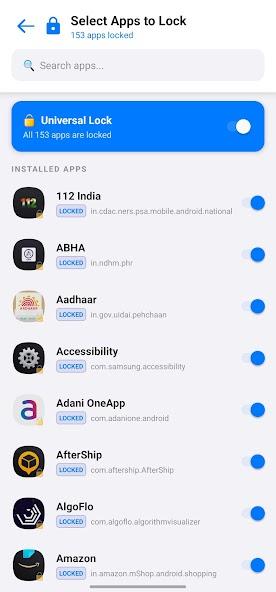
Browse installed apps and turn protection on for the ones that matter.
Use a PIN, or unlock with fingerprint or face unlock when your device supports it.
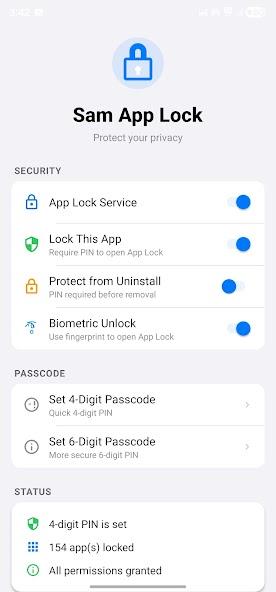
Keep the lock service on. Protected apps ask for authentication before they open.
Help keep children away from system settings or accidental purchases.
Protect messages, social apps, and your gallery from prying eyes.
Add an extra layer of security to financial and work-related apps.
Screenshots and artwork from the Google Play listing.
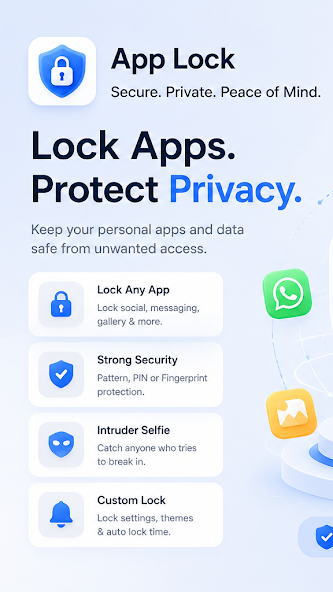
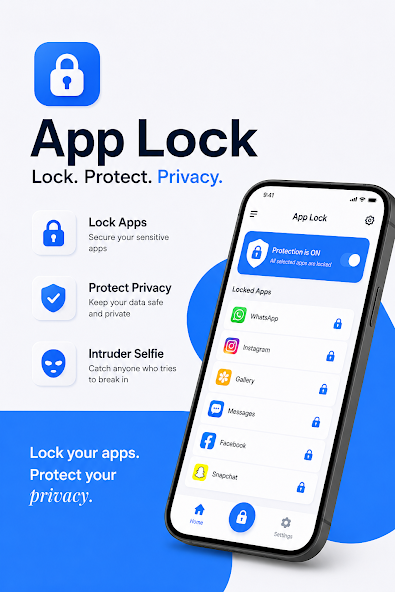
The Play Store Data safety section reports that no data is collected or shared with third parties. The app uses Android permissions only to provide locking:
Committed to follow the Play Families Policy. Read the full privacy policy.
Sam App Lock is a lightweight Android app locker. It lets you protect the apps you choose with a PIN or supported biometric unlock.
The Google Play Data safety section reports that no data is collected and no data is shared with third parties. See the privacy policy for details.
Sam App Lock requires Android 8.0 and up.
You can use a secure PIN. Fingerprint and face unlock are available when your device supports them.
Yes. Protection can start automatically when the device reboots so locked apps stay protected.
Email tanayanandmishra@gmail.com or call +91 88106 86931. You can also use the support page on this site.
Download Sam App Lock on Google Play and lock the apps that matter.